
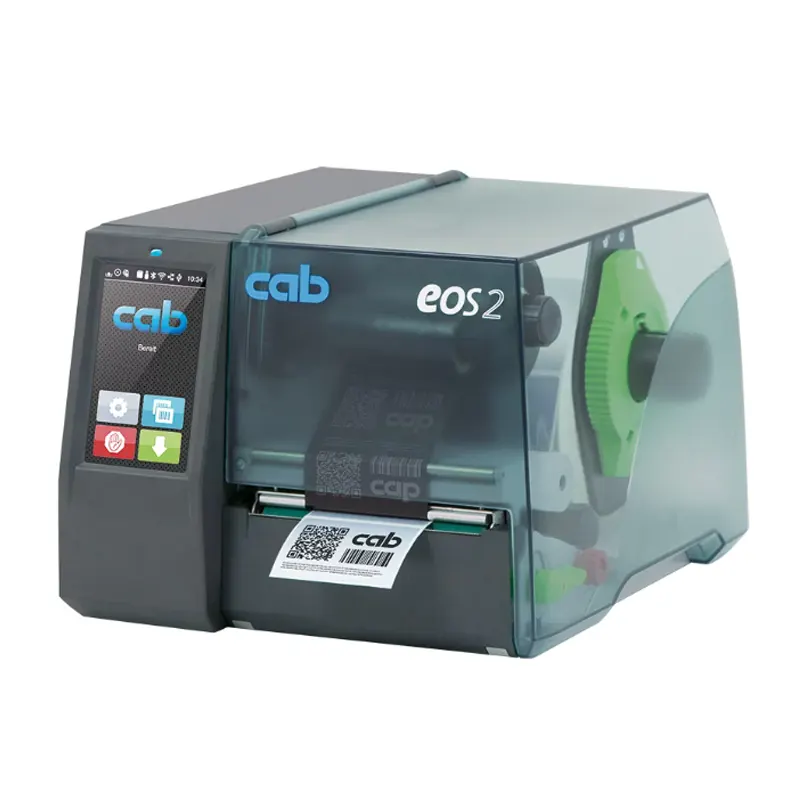
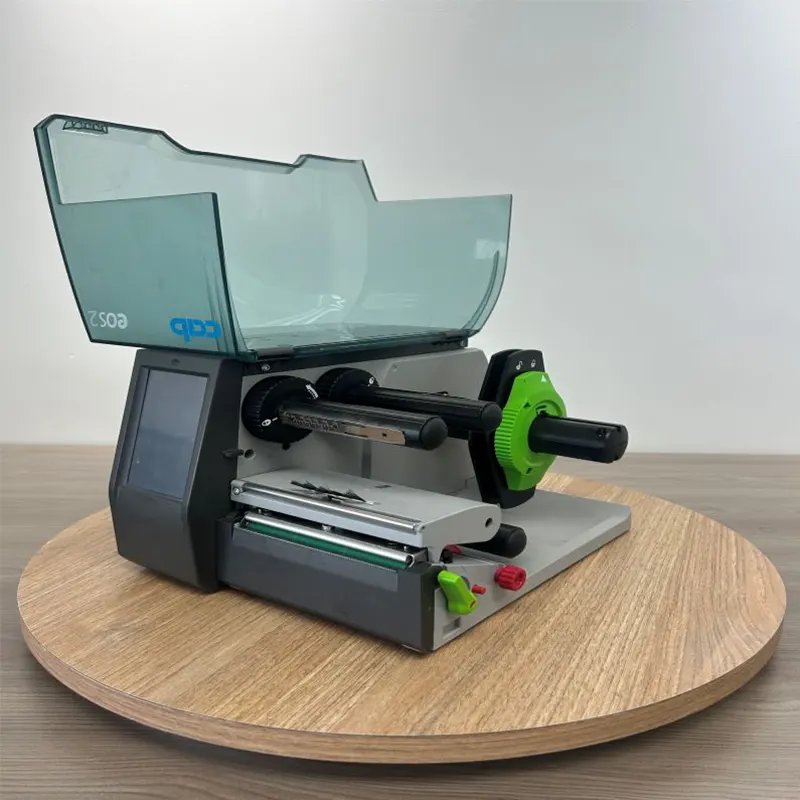
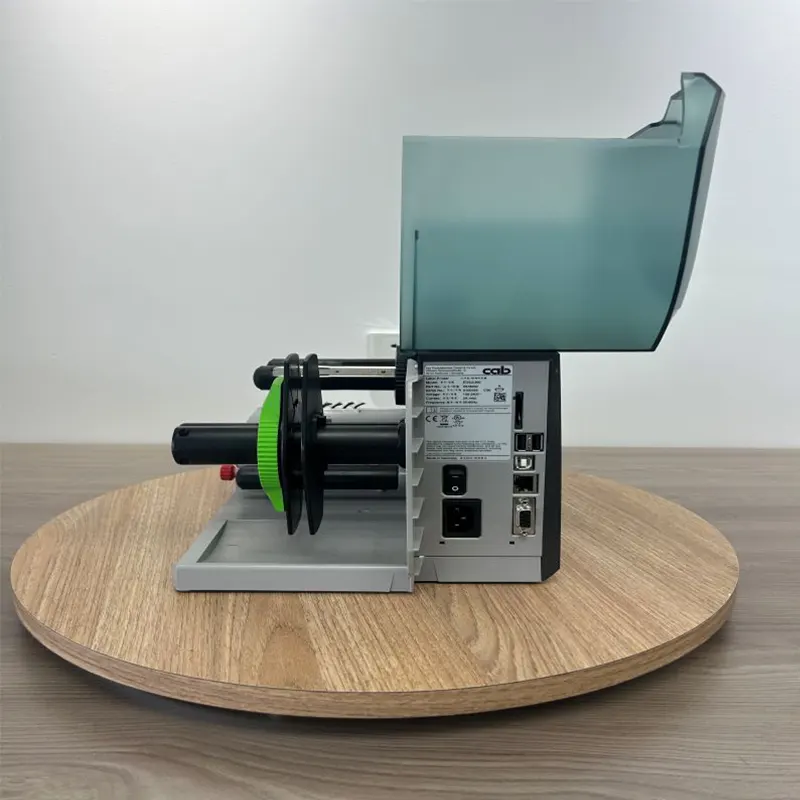
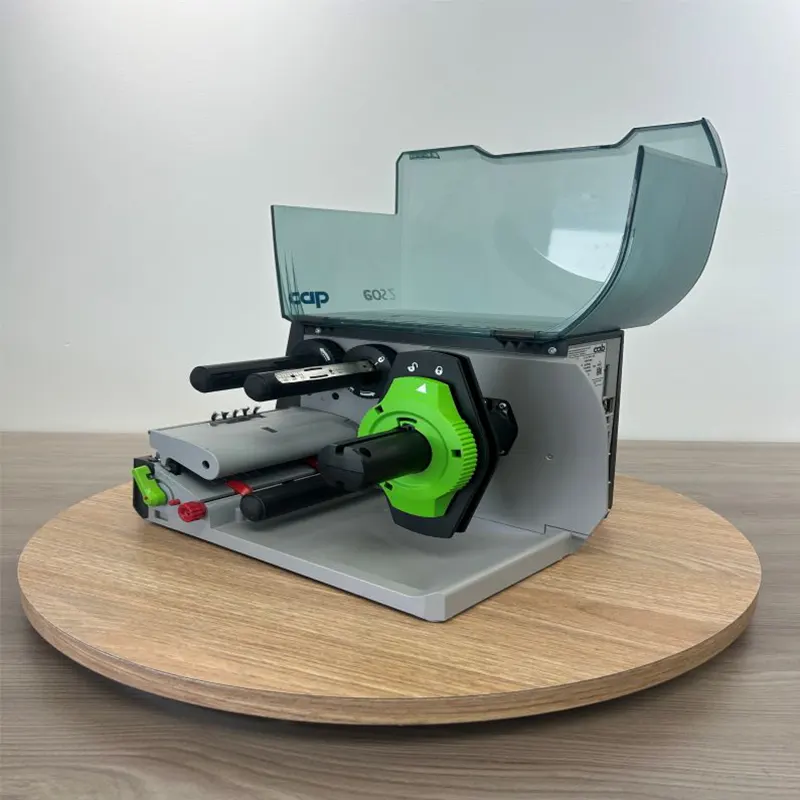
| Country of Origin | Germany |
| Applicable Model | Barcode printer |
| Maximum Print Width | Width 108mm |
| Maximum Paper Roll Diameter | 152mm |
| Maximum Resolution | 200 DPI / 300 DPI |
| Interface Types | SD memory card slot, USB Host transmission interface, USB 2.0 high-speed device, Ethernet interface, RS232 serial port |
| Brand | CAB |
| After-Sales Service | Others |
| Power Supply | 100-240VAC |
| Maximum Print Speed | 150mm/s |
| Printing Method | Thermal-sensitive, Heat transfer printing |
| Power Consumption | Standby less than 1.8W / normal operation 45W |
| Control Panel | LCD touch screen |
| Screen Size | 4.3 inches |
| Pixel Resolution | 272*480 |
Features and Advantages
-
High-Speed Printing: The EOS2 offers print speeds up to 300mm/s, making it ideal for businesses with high-volume labeling needs.
-
Multi-Media Support: Supports a variety of label media, including paper, synthetic materials, and RFID labels.
-
Multiple Connectivity Options: Equipped with USB, Ethernet, Wi-Fi, and Bluetooth for seamless integration with various systems.
-
High Print Resolution: With a maximum resolution of 300 DPI, the EOS2 delivers crisp, clear prints, ensuring high-quality barcodes and QR codes.
-
Energy-Efficient: Designed to consume less power during operation, making it environmentally friendly and cost-efficient for long-term use.
FAQ
How do I set up the EOS2 Label Printer?
The EOS2 comes with an easy-to-follow installation guide, and it supports one-click connection to your computer or wireless network.
Does it support different label sizes?
Yes, the EOS2 supports various label sizes, with a maximum print width of 104mm.
How do I clean and maintain the EOS2 printer?
We recommend regularly cleaning the print head and roller to maintain print quality. For detailed instructions, refer to our user manual.